Enterprise-grade security and availability
Hosted on Microsoft Azure. As a Microsoft Partner, RedSmart runs on world-class cloud infrastructure: high availability, encryption and automatic backups — the standards required when handling your people’s sensitive information.
Controls built in from the ground up
Encryption of sensitive fields (CURP · RFC · NSS · CLABE · salary · blood type · medical note)
Log of access to sensitive data (who saw what)
Two-layer per-company isolation (application and RLS)
Passkeys
Password policy of 10 characters or longer
6-digit one-time code: first sign-in and sensitive actions
Account lockout after 5 failed attempts
Attempt and request rate limits
Sessions: 14 days for employees · 12 hours for administrators
Termination or block = access revoked instantly
LFPDPPP (Mexico’s Federal Law on Protection of Personal Data Held by Private Parties) · ARCO rights (access, rectification, cancellation and objection)
Configurable retention by document type, with purging
More than 4,500 automated tests
Regular security updates (platform on .NET 10)
Data protection is designed into the foundation of the system, not added as an afterthought.
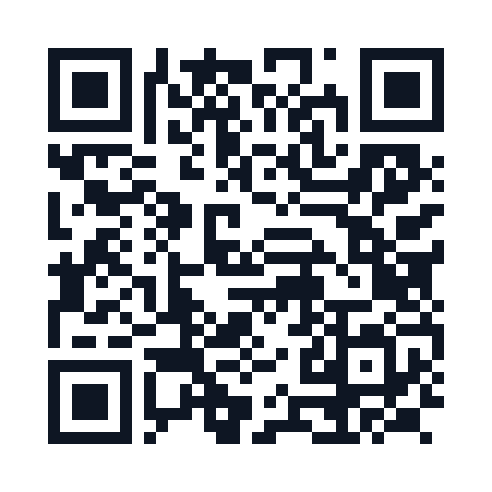
Scan and verify a real acknowledgment, right now
This QR code opens the public verification of an acknowledgment from the demo environment: you’ll see the document, the signer, how they authenticated, and the SHA-256 seal checked live against the source. That’s how auditable your company’s compliance evidence becomes — no account and nothing to install.
Any inspector, auditor or expert witness can do the same with the printed certificate of one of your acknowledgments.
Electronic signature with public verification by QR applies to the documents where evidence matters: announcements, RIT (internal work regulations), privacy notice, vacation, leave and sick-leave resolutions, clock-in corrections, the NOM-035 (Mexico’s standard on psychosocial risk at work) report, ARCO requests and the daily time & attendance close.
On the roadmap: DC-3 certificate and signing with e.firma (SAT, Mexico’s tax authority) for documents that require it.
Public verification by QR and expert-witness access are not the same thing.
QR verification requires no account and does not expire: it checks what was signed, when, by whom, and that the document is still intact, and it does not expose clock-ins or selfies.
Expert-witness access is generated by HR for a legal proceeding: read-only, for one person and one period, with the official court request and the expert witness’s name, valid for 1 to 90 days, revocable, protected by an 8-character access code in addition to the link, and with every query logged.
Time & attendance evidentiary file: sealed daily close and expert-witness access
Frequently asked questions about security and anonymity
How do you guarantee my data doesn’t get mixed with other companies’ data?
RedSmart HR is multi-tenant: each company is isolated by design. Every query is filtered by your organization in two independent layers —the application and the database engine (Row-Level Security)— and sensitive data (CURP, RFC, NSS, CLABE, salary, blood type and medical note) is encrypted at the field level. You can download the technical document on data isolation in the security section of this page.
Are the NOM-035 surveys and the whistleblowing channel really anonymous?
Yes. NOM-035 is reported in aggregate form (with k-anonymity: results are not shown for groups so small that they would identify a person). The whistleblowing channel works with a folio number and PIN, without requiring a name — the whistleblower follows up without revealing their identity.
How do you sign in, and how long does a session last?
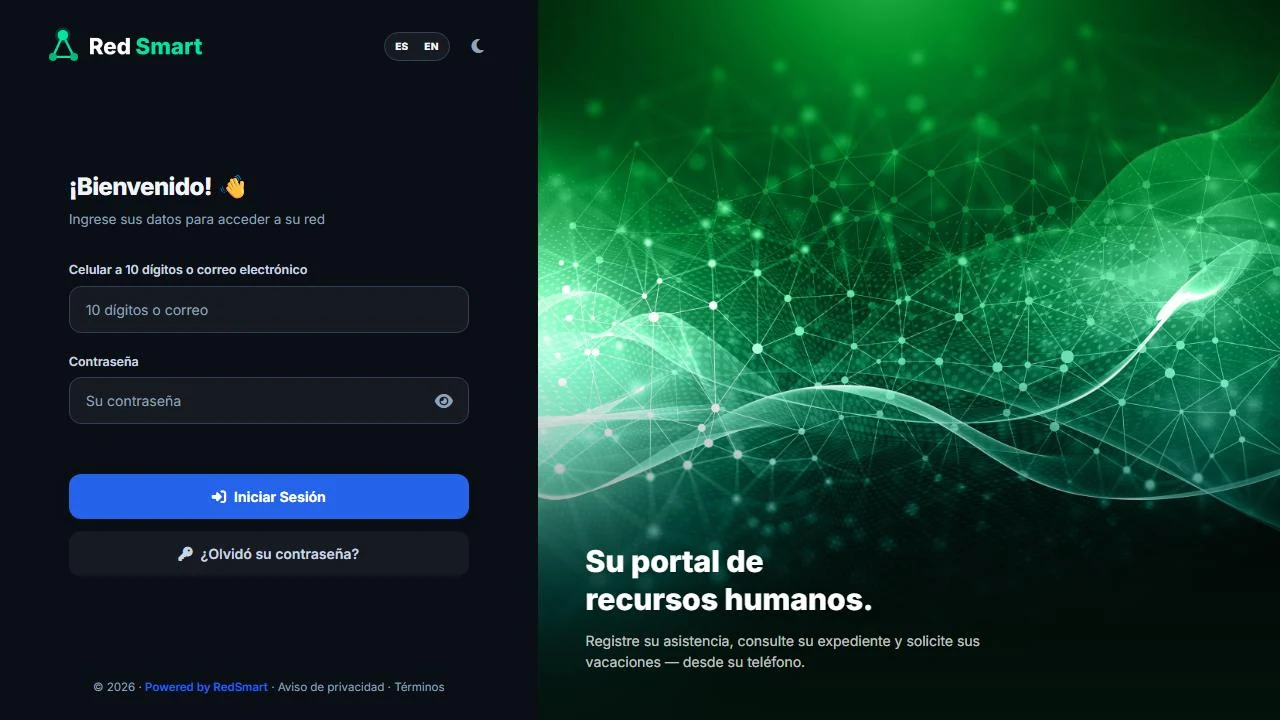
With a passkey or with a password, which must be 10 characters or longer. A 6-digit one-time code is required on first sign-in or with a temporary password, and to confirm sensitive actions (signing or resolving). The account is locked after 5 failed attempts. Employees stay signed in for up to 14 days on that device; anyone who administers or sees other people’s data (HR, administrators, managers with a role) must sign in again every 12 hours. The period counts from sign-in, not from inactivity, and is not configurable per company.
What is the difference between verifying an acknowledgment by QR and expert-witness access?
They are two different mechanisms. Public verification by QR requires no account and does not expire: whoever holds the printed acknowledgment or certificate can check what was signed, when, by whom, and that the document is still intact; it does not expose clock-ins or selfies. Expert-witness access is generated by HR for a legal proceeding: read-only, for one person and one period, with the official court request and the expert witness’s name, valid for 1 to 90 days and revocable at any time. In addition to the link, it requires an 8-character access code (5 failed attempts lock it for 15 minutes; 20 cumulative failures revoke access). The expert witness sees that person’s evidentiary file for that period —clock-ins, selfies (optional), corrections and seals— without an account and without being able to modify anything, and every query is logged.
Start complying today
No commitment for the demo · 15-day money-back guarantee when you sign up