Time & attendance: real evidence, not just the time
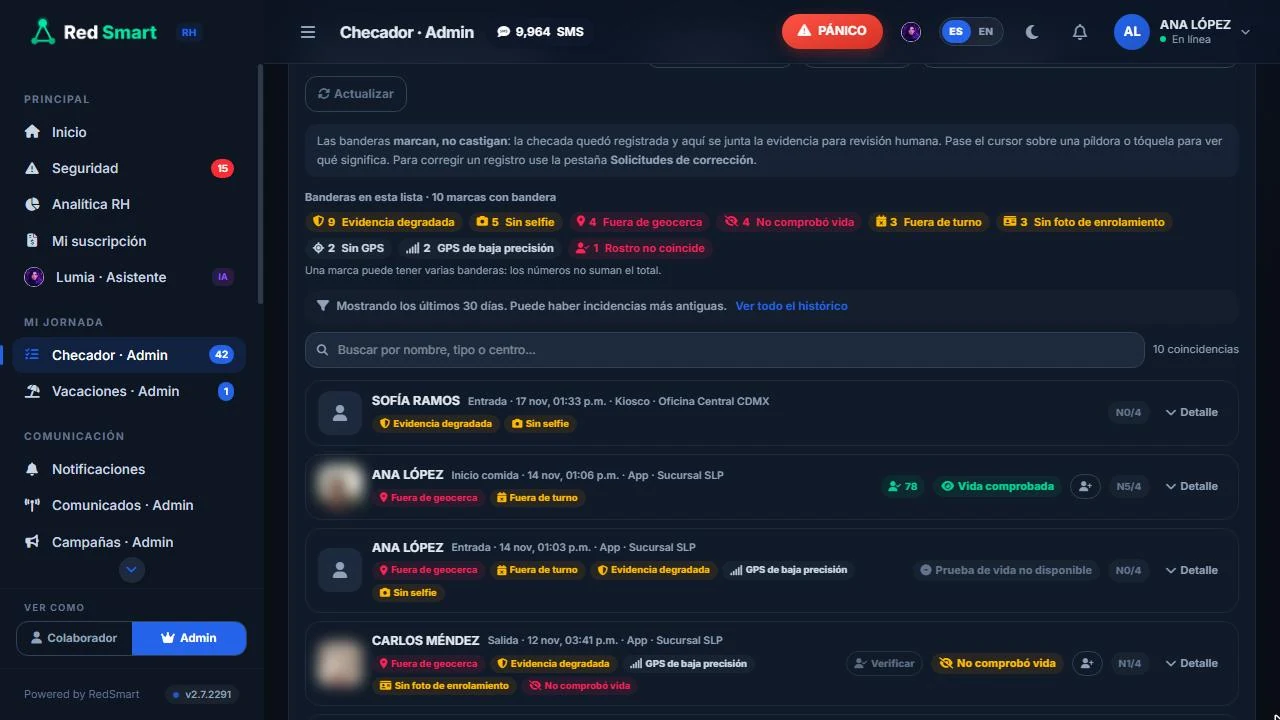
Geotagged selfie with no hardware to buy: the app or a company kiosk, whichever suits each work site — no fingerprint reader. Reliable clock-ins, ready to hand over to the authorities (Art. 132-XXXIV LFT — Federal Labor Law) and for the 40-hour workweek. You choose the evidence level for the whole company, and the geofence radius is fine-tuned per work site:

Six levels, from N0 to N5
Levels 4 and 5 are add-on modules: see add-on pricing
The kiosk, in detail
Setup and enrollment
A shared tablet or PC, installable as an app. HR registers it linked to a work site and enrolls it with a single-use link or a QR code that expires in 10 minutes. The console shows whether each kiosk is online.
How each person is identified
With their personal QR badge, employee number or cell phone number, plus a 4-digit PIN. After 5 failed attempts the PIN is locked for 15 minutes (configurable). The face does not identify anyone: facial verification is an optional check performed afterward.
Needs a connection
The kiosk needs a connection to the server to identify the person. It only queues the clock-in of someone already identified if sending fails.
Shared across legal entities
A single kiosk can record staff from several legal entities of the same business group: each record goes to the company of the person clocking in, and the screen confirms it. It’s enabled per kiosk.
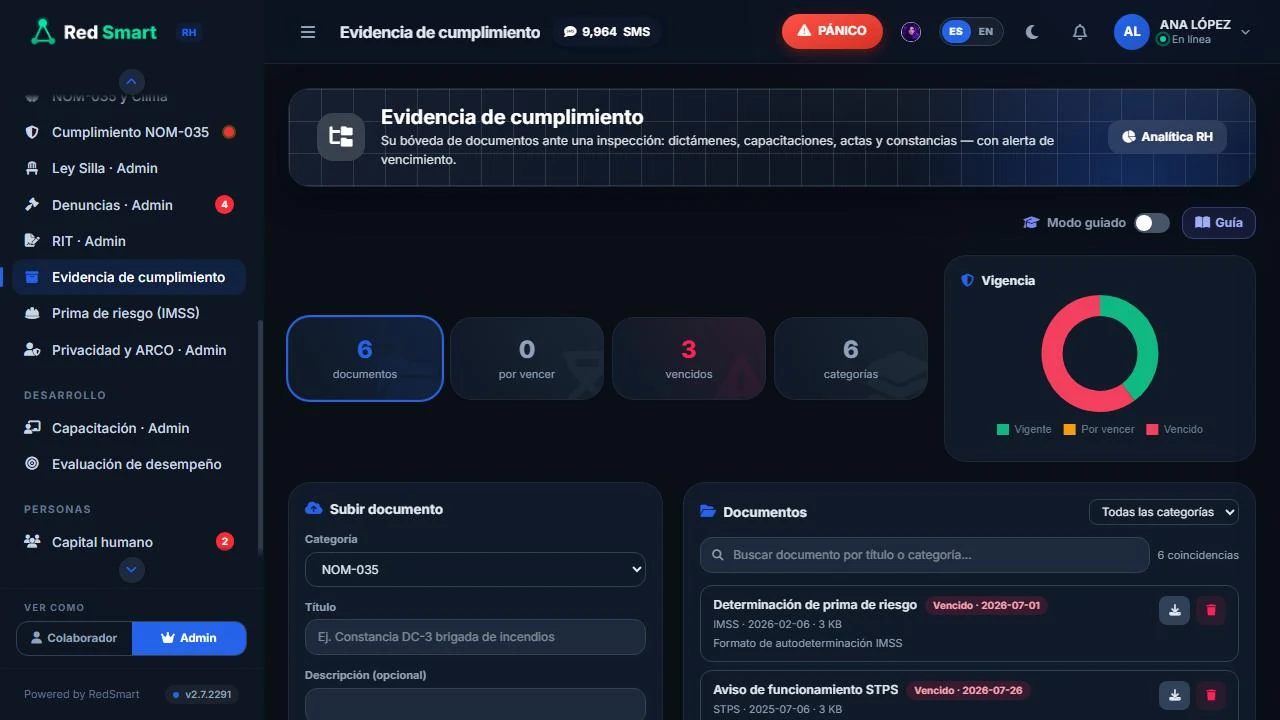
Having the record isn’t enough: you have to be able to prove no one touched it
In a lawsuit or an inspection, the question isn’t whether you have the time — it’s whether someone could have changed it afterward. That’s why every night the system closes the day and seals it, and that seal can be verified from the outside.
Each day is closed and sealed
Every night the day’s punches are entered in your company’s signature ledger with a SHA-256 seal chained to the previous day. Altering a punch from a day that is already closed breaks the chain, and the break is visible.
Exported as a PDF, with folio number and QR
The file for one person and one period is exported with the folio number of the daily close and a QR code. Whoever receives it —your lawyer, an inspector— checks the seal on a public page, without an account and without logging into your system.
The seal is published externally
Every day the seal’s certificate is sent outside the platform, to storage with 6-year immutable retention: neither your company nor we can modify or delete it. That’s what makes the date credible.
Read-only access for expert witnesses
In a lawsuit, HR generates read-only access for the expert witness: one person and one period, with the official court request and the expert’s name. The validity, from 1 to 90 days, is chosen when it’s issued, and it can be revoked at any time. The expert sees that person’s evidentiary file for that period —punches, selfies (optional), corrections and seals— without an account and without being able to change anything.
With an access code and an audit log
In addition to the link, it requires an 8-character access code: 5 failed attempts lock it for 15 minutes and 20 cumulative failures revoke the access. Every view is logged.
Public QR verification
It’s a different mechanism: no account and no expiration; whoever has the printed acknowledgment or certificate can check what was signed, when, by whom, and that the document is still intact. It does not expose punches or selfies; seeing them requires expert-witness access.
No signal and no rewriting
From a mobile device it works without signal: it stores the clock-in with selfie and location, and syncs it with a double timestamp. Requires having signed in on that device before — the first sign-in does need internet.
How long the session lasts: employees stay signed in for up to 14 days on that device; anyone who administers or sees other people’s data (HR, administrators, managers with a role) must sign in again every 12 hours. The period counts from sign-in, not from inactivity. If the session expires while offline, the person can keep clocking in, but those punches are uploaded when that person signs in again with signal.
Up to 72 hours offline (adjustable per company, from 1 to 168 hours): within that window the device’s time is used; after that, the punch is still recorded, but with the server’s time. The punch is sent automatically when the connection returns, flagged as recorded offline and under the name of the person who made it. The kiosk is different: it needs a connection to the server to identify the person.
The record is never rewritten: time, person and type stay as they were recorded. Correcting something means filing a separate correction, with its own acknowledgment and under the name of whoever authorized it — the original remains.
Shifts and overtime: shifts and assignments, individually or in bulk, and overtime with request, pre-authorization, sealed approval and settlement.
Frequently asked questions about time & attendance
How is identity verified in time & attendance?
No hardware and no fingerprint reader. The base record combines a selfie and a geofence; you can add the device lock or a company kiosk. Optional extras include AI facial verification, which confirms that the person clocking in is who they claim to be, and a liveness check. You choose the evidence level for the whole company.
What if my employees don’t use a mobile device?
They don’t need one. You can set up a kiosk (a shared tablet or PC at reception or on the shop floor, installable as an app) where they identify themselves with their personal QR badge, employee number or cell phone number, plus a 4-digit PIN. The employee doesn’t need to install anything or use a mobile device. The kiosk needs a connection to the server to identify the person.
Can a single kiosk serve several legal entities?
Yes, when they belong to the same business group. A single kiosk can record staff from several legal entities of the group: each record goes to the company of the person clocking in, and the screen confirms it. It’s optional and enabled per kiosk.
How is a kiosk set up, and what happens if someone gets the PIN wrong?
HR registers it linked to a work site and enrolls it with a single-use link or a QR code that expires in 10 minutes. After 5 failed attempts the PIN is locked for 15 minutes (configurable). The face does not identify anyone at the kiosk: facial verification is an optional check performed afterward. The console shows whether each kiosk is online.
Does time & attendance work without internet?
From a mobile device, yes, with one condition: you must have signed in on that device before, with signal (the first sign-in does need internet). If the connection drops, punches are stored on the device, with their selfie and location, and sync automatically when the connection returns; each one stays under the name of the person who made it and is flagged as recorded offline. No record is lost. Punches of up to 72 hours are accepted with the device’s time (adjustable per company, from 1 to 168 hours); after that, the punch is still recorded, but with the server’s time. If the session expires while offline, the person can keep clocking in, and those punches are uploaded when that person signs in again with signal. The kiosk, on the other hand, needs a connection to the server to identify the person.
How long does a session stay signed in?
Employees stay signed in for up to 14 days on that device. Anyone who administers or sees other people’s data (HR, administrators, managers with a role) must sign in again every 12 hours. The period counts from sign-in, not from inactivity, and it is not configurable per company.
How do I give an expert witness access in a lawsuit?
HR generates read-only access for the expert witness, limited to one person and one period, with the official court request and the expert’s name. You choose how long it is valid, from 1 to 90 days, and you can revoke it at any time. In addition to the link, it requires an 8-character access code: 5 failed attempts lock it for 15 minutes and 20 cumulative failures revoke it. The expert sees that person’s evidentiary file for that period (punches, selfies if you include them, corrections and seals), without an account and without being able to change anything, and every view is logged. This is different from public QR verification, which only checks a sealed acknowledgment and does not expose punches or selfies.
Start complying today
No commitment for the demo · 15-day money-back guarantee when you sign up