








Electronic work-hours recording
34 days
until it becomes mandatory (January 1, 2027). You cover it with time & attendance with evidence and reports.
More than a time clock: compliance, training, performance reviews, communication and employee files. One app for your employees and one dashboard for HR, from any device.


Go4IT is behind RedSmart HR · Go4IT technology clients
No clock on the wall, no paper and nothing to download from an app store. Scroll to see what a day with RedSmart HR looks like.


Each record stores the time, the location inside the geofence and evidence. Not just the time: the proof.
Official questionnaires ready to go, anonymous and from the app. HR sees the risk traffic light, not who answered what.
Anonymous reports with folio number and PIN. Your company responds on time and keeps a record that it did.
360° cycles with self-review, manager and peers. Each person sees their result and an acknowledgment is recorded.
Lumia answers questions about the platform and about your company's data, according to the role of the person asking.
Mexico strengthened or created them between 2025 and 2026, with fines and enforcement by the authorities. RedSmart HR covers them from a single place.
until it becomes mandatory (January 1, 2027). You cover it with time & attendance with evidence and reports.
Short videos from our channel (in Spanish): what changed, what you need to do and how it looks in RedSmart HR.
Modular: add only what you need and pay only for what you use. Tap any module to see the details.
Geotagged selfie without buying hardware: the app or a company kiosk, whichever suits each site. No fingerprint reader. You choose the evidence level for the whole company, and the geofence radius is fine-tuned per work site.
It doesn't end when the manager fills out a form: it ends when the person sees their review and there is a record of it.
Cycles with goals and competencies, assigned by segment, with a progress dashboard and an average per type. Goals and competencies have weights and a rubric per level, with a configurable scale; there are automatic reminders and escalation, a printable individual report and an overall cycle report. Nobody scores their own review, not even HR, and peer and direct-report feedback below the minimum is neither shown nor counted.
Ask to see it in a demoYour people train online from the app and you verify who finished. The regulatory courses come ready and at no cost; if you want to go further, you create your own.
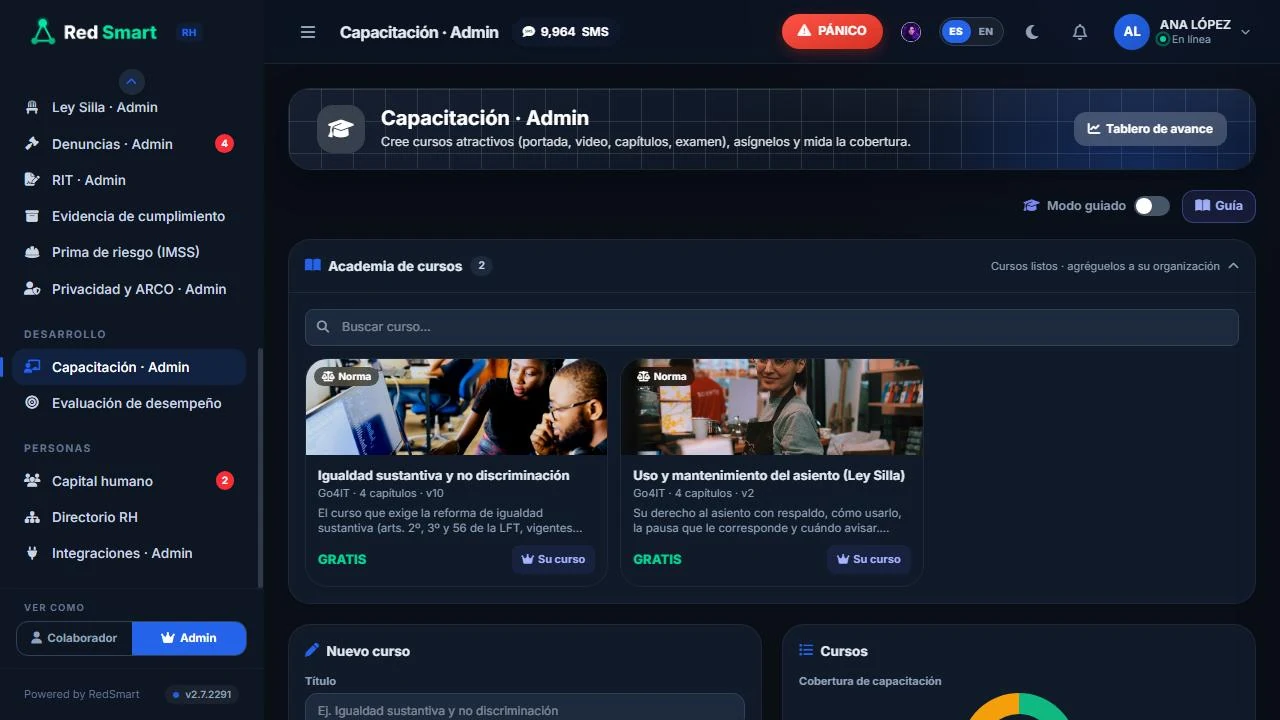
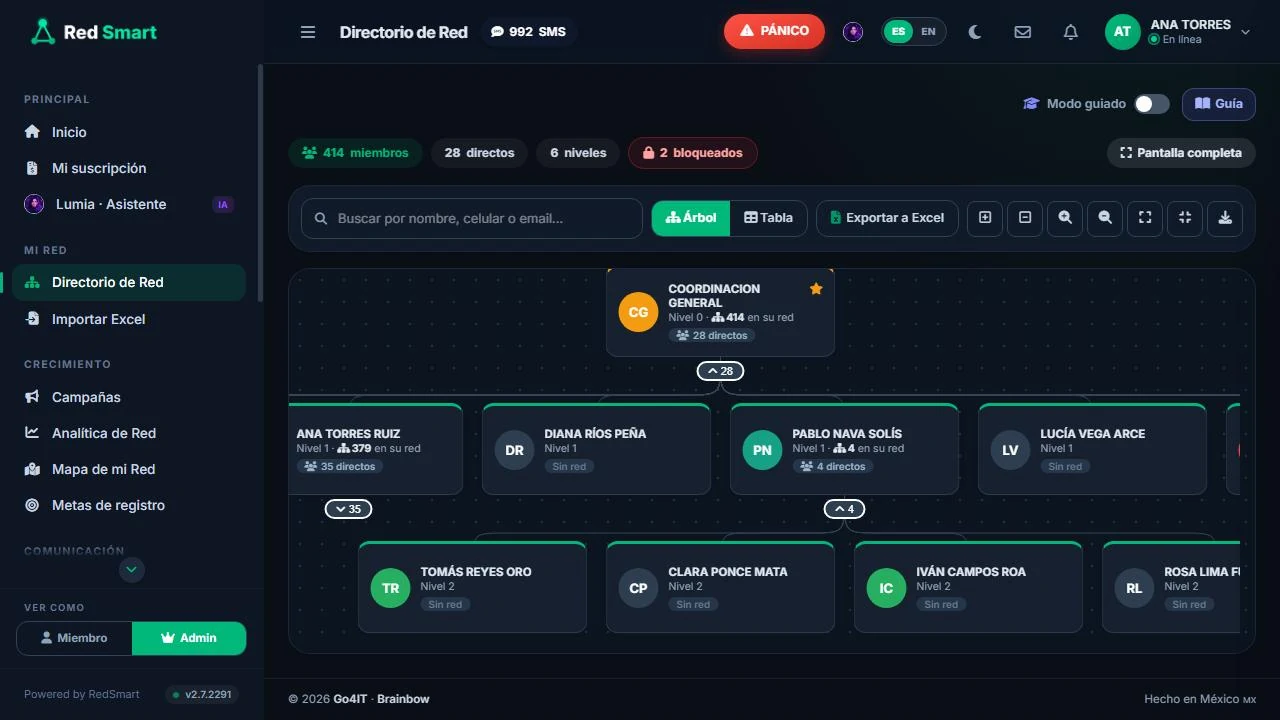
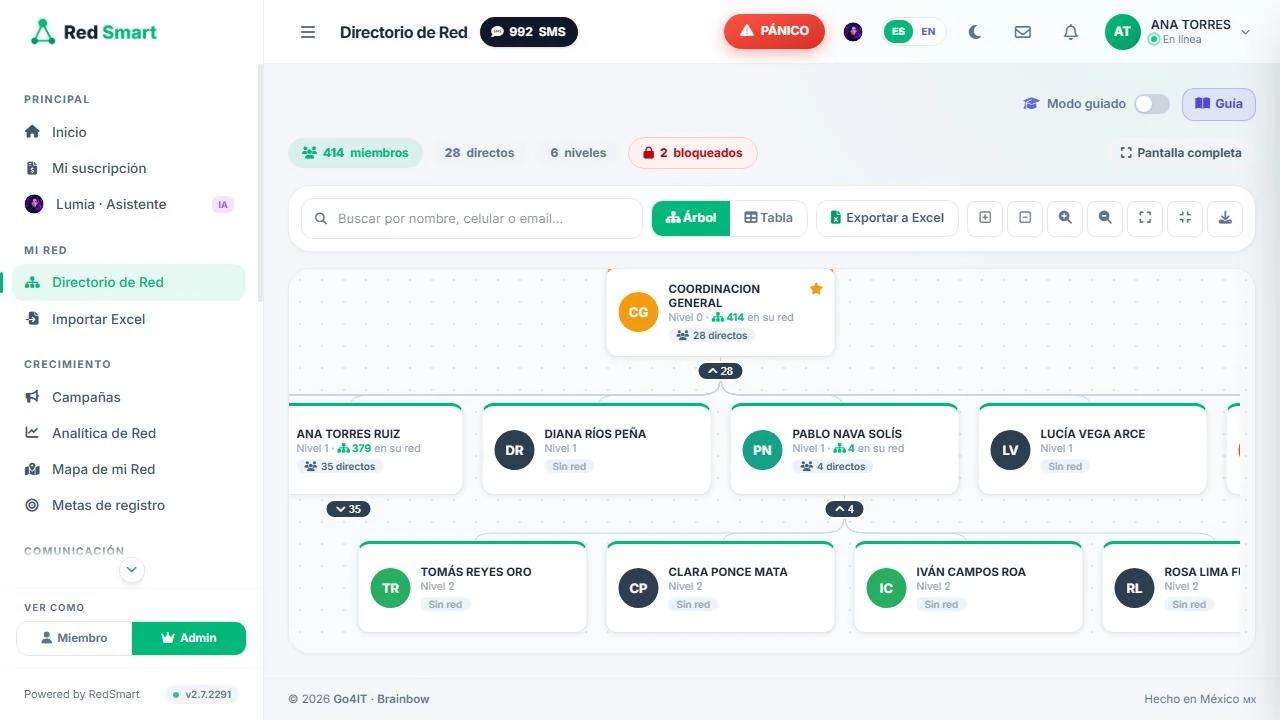
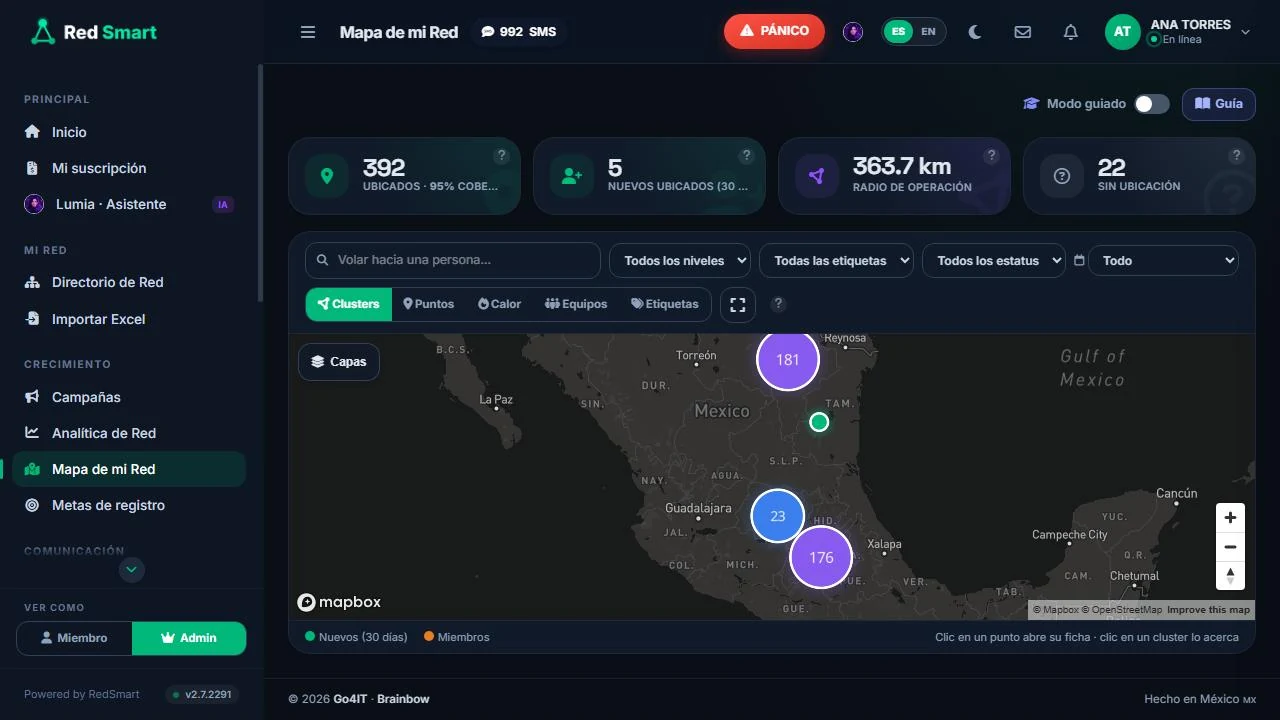
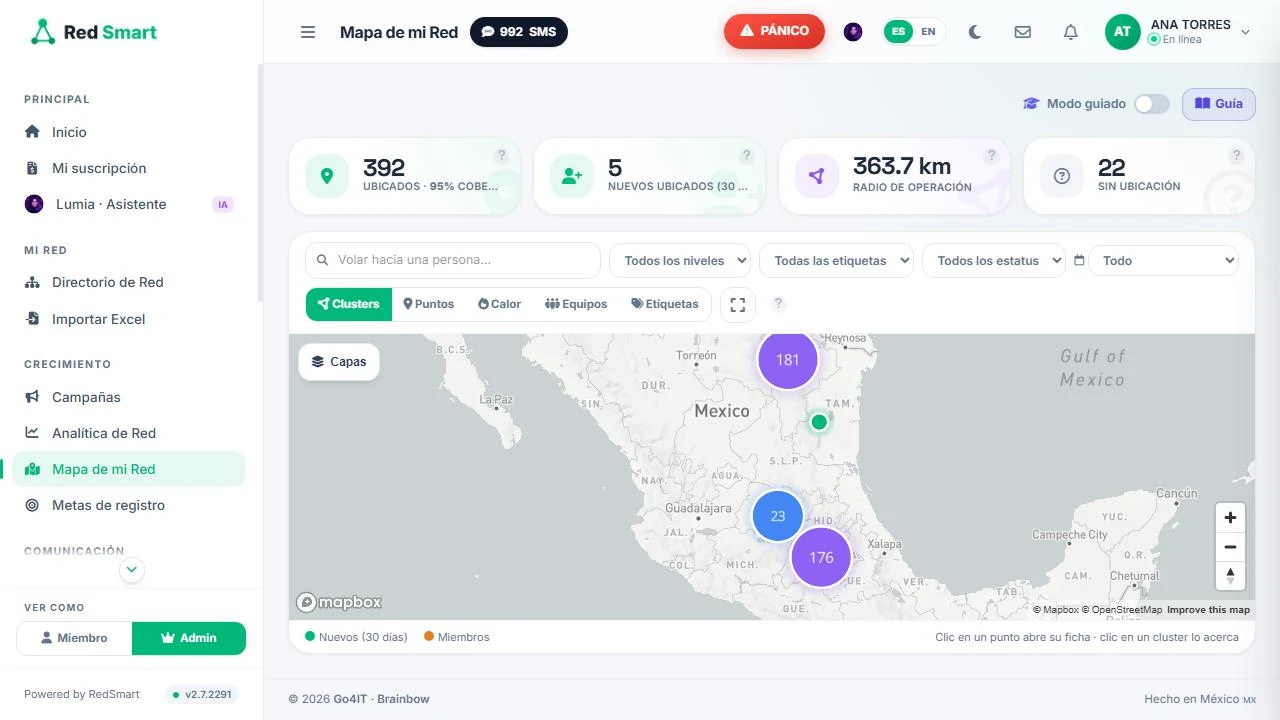
Real system screens (shown in Spanish).
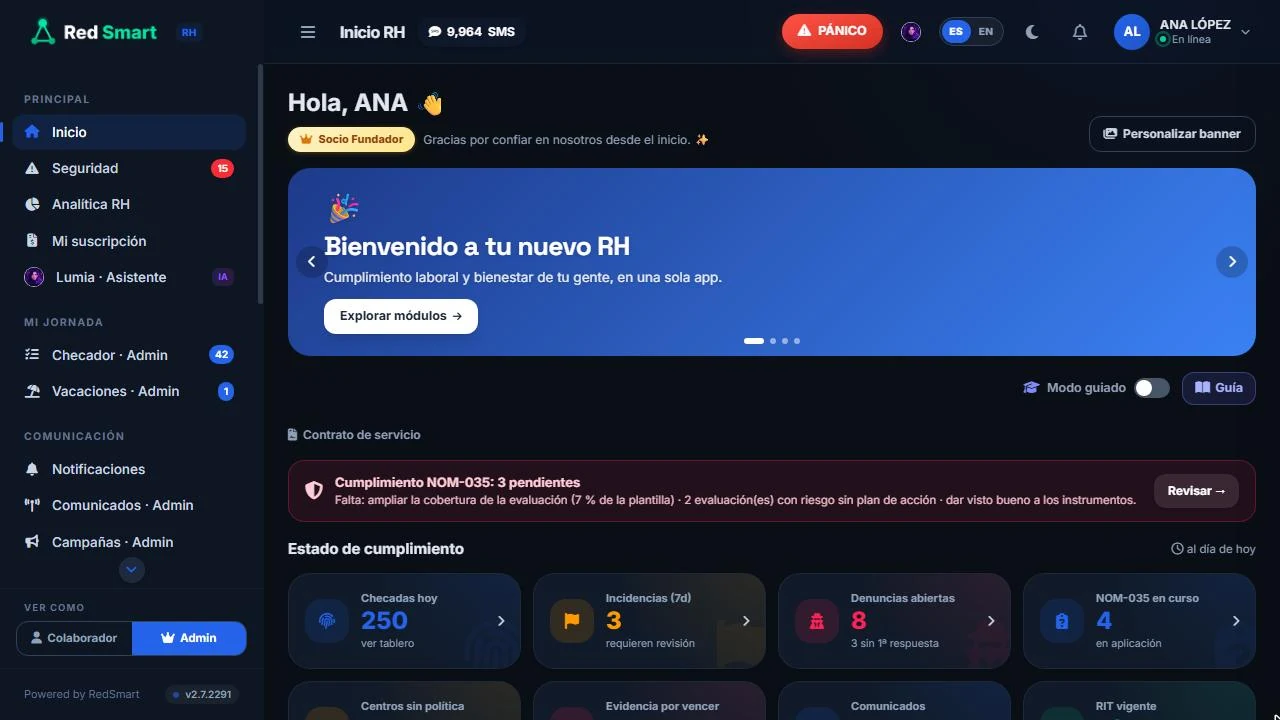
It's a PWA: it installs from the browser, with no app stores, and works the same on a phone, a tablet and a computer.
iPhone, Android, tablets, Windows and Mac. Installs from the browser, with no app stores, with push notifications.
It's the same system, not a separate, cut-down app: the admin dashboard adapts to the phone for anyone who prefers to work from there.
A shared tablet or PC at reception or on the plant floor, installable as an app, for people who don't use a mobile device: they identify themselves with their personal QR badge, employee number or cell phone number, plus a 4-digit PIN. It needs a connection to identify the person.
A single kiosk can record staff from several legal entities of the same business group: each record is filed under the company of the person clocking in, and the screen confirms it. It is optional and enabled per kiosk.
Generate your staff's ID cards from the platform, with their identification code: a printable QR badge per person, with no photo and no personal data in the QR, and the virtual ID card in the app.
The ID card is added as a pass to Apple Wallet and Google Wallet, always at hand, with your company's brand and color. If HR revokes or regenerates it, the pass stops working.
RedSmart HR adapts to your company's identity. Your employees see an app with your image, not a vendor's. And if you have several legal entities, you manage them all easily from one place.
Data protection is designed into the foundation of the system, not bolted on. Tap each control to see how it works.
See the full security and privacy details
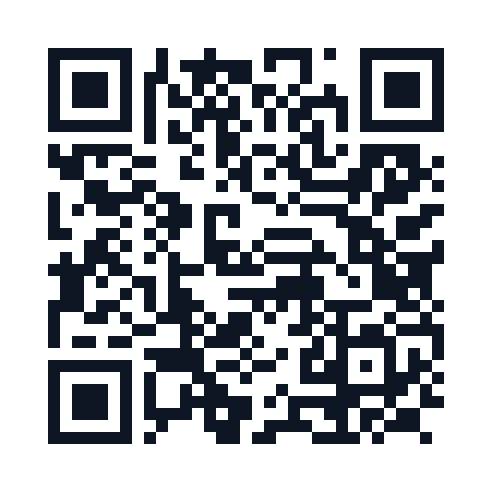
This QR code opens the public verification of an acknowledgment from the demo environment: you'll see the document, the signer, how they authenticated and the SHA-256 seal checked live against the source.
No hype: here we separate what you can use today from what is planned.
Email and push included in every plan. WhatsApp and SMS at the provider's actual cost, with no markup and no surprises.
per month for the compliance core · $40 per employee, with a monthly minimum of $3,000 (equivalent to ~75 employees). Add-on modules are charged separately.
More than 1,000 employees? With Enterprise the price stops growing per person Already have a provider? Compare your coverageOnboarding + guarantee: guided initial implementation and a 15-day money-back guarantee.
Full calculator with add-onsAdd-on modules per employee: add only the ones you need.
For large organizations or those with their own policies: a flat fee per range with a cap, or unlimited users, with no per-employee charge.
Talk to salesList prices. You don't pay for what you don't use.
A time clock covers one of the seven labor obligations, and none of training, performance or employee files. Check what your current provider does cover and see what you're missing.
Check what you already have. It's not just the time clock: it's the whole law and everything you do with your people.
No cost and no commitment. Your selection is copied into the form's message.
We show you, obligation by obligation, what your current contract covers and what it doesn't.
You upload your employee roster via Excel/CSV just once, and guided onboarding gets your company ready to operate.
We plan the switch with you so you don't go a single day without records. If you're not satisfied, you get a refund.
No. RedSmart HR covers compliance and people management, and integrates with your payroll (CONTPAQi, Aspel, Runa, Worky…) via API and import/export. It does not replace your payroll: it complements it so you don't enter data twice.
Yes. We serve everything from companies with dozens of employees to organizations with thousands. On the per-employee plan you subscribe only to the modules you need; for large organizations there is the Enterprise plan, with a flat fee per range or unlimited users, so the cost doesn't grow with every person.
No hardware and no fingerprint reader. The base record combines a selfie and a geofence; you can add the device lock or a company kiosk. Add-ons include AI facial verification, which confirms that the person clocking in is who they claim to be, and a liveness check. You choose the evidence level for the whole company.
We log your accident rate and estimate the premium with the formula in Art. 72 LSS based on the data you enter. The official determination is made by the IMSS: RedSmart gives you the log and the calculator; it does not replace the IMSS.
You upload your employee roster via Excel/CSV (or API) just once; guided onboarding gets your company ready to operate.
RedSmart HR is multi-tenant: each company is isolated by design. Every query is filtered by your organization in two independent layers —the application and the database engine (Row-Level Security)— and sensitive data (CURP, RFC, NSS, CLABE, salary, blood type and medical note) is encrypted at the field level.
They don't need to. You can set up a kiosk (a shared tablet or PC at reception or on the plant floor, installable as an app) where they identify themselves with their personal QR badge, employee number or cell phone number, plus a 4-digit PIN. The employee doesn't need to install anything or use a mobile device. The kiosk needs a connection to the server to identify the person. If your group has several legal entities, a single kiosk can record staff from all of them: each record is filed under the company of the person clocking in, and the screen confirms it (it is optional and enabled per kiosk).
From a mobile device, yes, with one condition: you must have signed in on that device before, with a signal (the first sign-in does need internet). If the connection drops, punches are saved on the device, with their selfie and location, and sync automatically on reconnecting; each one is recorded under the name of the person who made it and flagged as recorded offline. No record is lost. Punches of up to 72 hours are accepted with the device's time (adjustable per company, from 1 to 168 hours); after that, the punch is still recorded, but with the server's time. Employees stay signed in for up to 14 days on that device; anyone who administers or sees other people's data must sign in again every 12 hours. If the session expires while offline, they can keep clocking in, and those punches upload when that person signs in again with a signal. The kiosk, on the other hand, needs a connection to the server to identify the person.
Employees stay signed in for up to 14 days on that device. Anyone who administers or sees other people's data (HR, administrators, managers with a role) must sign in again every 12 hours. The period counts from sign-in, not from inactivity, and it is not configurable per company.
HR generates read-only access for the expert witness, limited to one person and one period, with the official court request and the expert's name. You choose how long it is valid, from 1 to 90 days, and you can revoke it at any time. In addition to the link, it requires an 8-character access code. The expert sees that person's evidentiary file for that period (clock-ins, selfies if you include them, corrections and seals), without an account and without being able to modify anything, and every query is logged. This is different from public QR verification, which only checks a sealed acknowledgment and does not expose clock-ins or selfies.
Yes. NOM-035 is reported in aggregate (with k-anonymity: results from groups so small that they could identify a person are not shown). The whistleblowing channel works with a folio number and PIN, without requiring a name: the whistleblower follows up without revealing their identity.
It's a PWA (web app): no app stores and no heavy downloads. It installs from the browser on iPhone and Android, and also on PC, Mac and tablets. Users receive push notifications.
Email and push notifications are included. WhatsApp and SMS are charged at the provider's actual cost (through our sister company Abbla, at wholesale rates), with no markup: you see the estimated cost before sending and you approve it. No surprises on the invoice.
RedSmart Management creates, manages and activates networks of people with hierarchies, attributes and segmented communication: government, campaigns, retail, franchises, logistics and more.
We'll contact you within the next business day. No commitment.